
Buyer’s Guide: Document Management Software Series (Episode 2)
Document Management Software for Salesforce
Episode 2 of 2: Cloud-Based Document Management Integrations
Watch the Video on Youtube
00:00 About Us (here)
00:25 Introduction (here)
XX:XX XXXX (here)
XX:XX XXXX (here)
XX:XX Conclusion (here)
Read the Article Version of the Podcast
This is the second chapter of a two-part series all about Document Management Software, featuring host Preston Hurd.
We’ve also created a complete Buyers Guide to Document Management Software for Salesforce (here), available on our website for those who want to explore the topic in more depth.
XXXXXX
Podcast Transcript Chapters

Navigate Directly to Your Topic of Interest
00:00 About Us (here)
[Music]
00:25 Introduction (here)
Get ready for some tech talk over coffee
where we filter through the latest digital tech one sip at a time.
Welcome to The Filtered Brew, a tech podcast all about software.
Your host is Digital Consultant, Preston Hurd.
So join us for a cup of coffee and let's get into what's brewing on today's menu.
Welcome back to the podcast and to Part Two of our Document Management Series.
In this episode featuring the Buyer's Guide to Doc Management for Salesforce, we're diving into the main subcategory focusing on the Cloud Based Integrations.
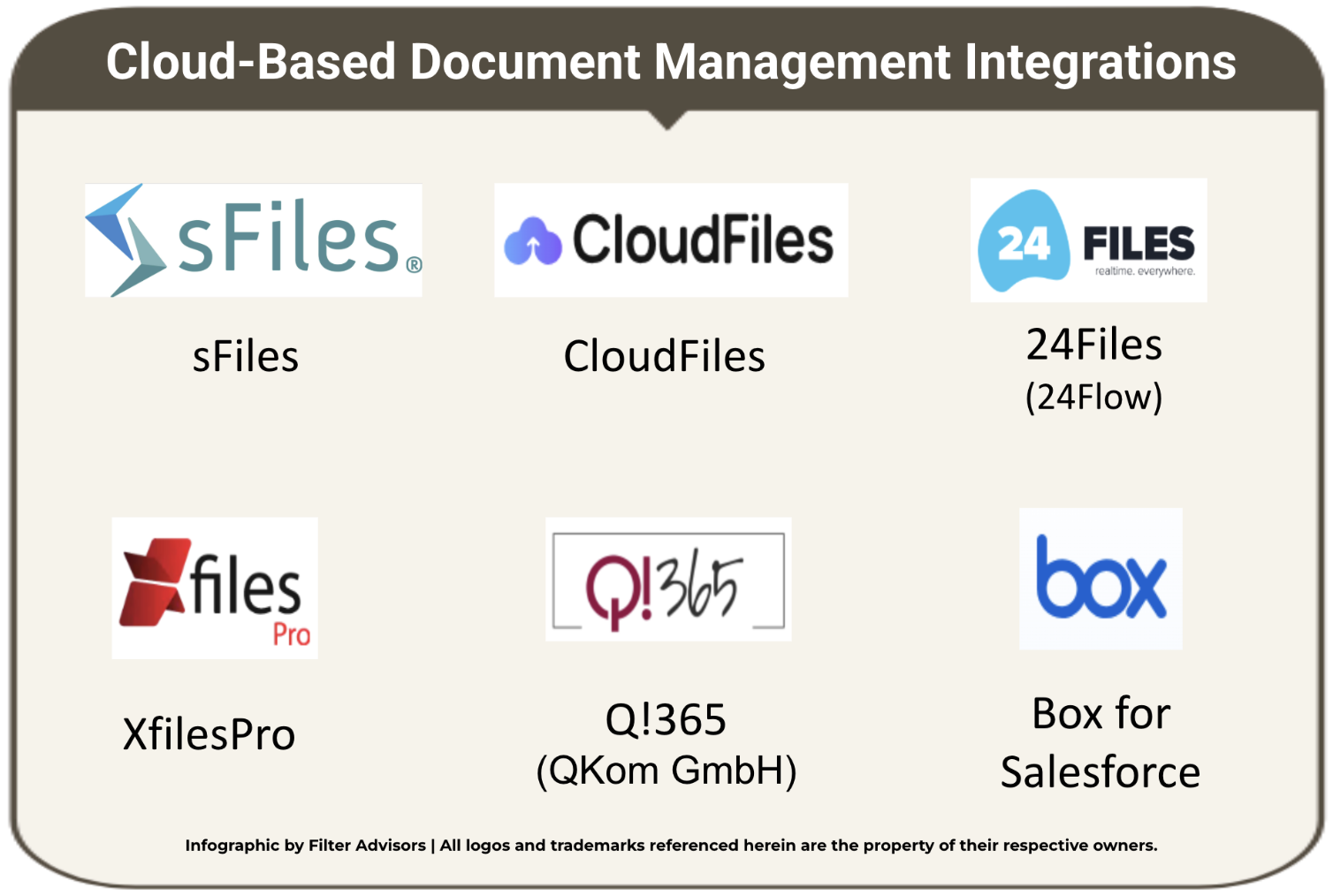
Today we'll talk about six vendors in this space: sFiles, CloudFiles, 24Files, XfilesPro, Q!365 and Box for Salesforce. So to get right into it, Preston, what have you evaluated for each of these solutions?
Well Nick, at a high executive level, our objective was really to provide a vendor comparison that evaluates and breaks down how each solution enables Salesforce users to manage documents without increasing risk complexity and overhead.
And we did this based on who should prefer what. In other words, whatever the organizational needs are and what's the best fit as far as a solution for the various types of companies that are evaluating this type of software...
i.e. Not what's the best solution, but instead, what's the best solution for that particular need? Because it really does vary depending upon the org., for example regulated environments, high trust needs, they might have one fit that's the best solution for them versus multi storage.
Let's say that you wanted to integrate with Dropbox, Google, Box, etc., multi storage - versus just say SharePoint. There could be other things, full enterprise content compliance ecosystems and vendors that would fit into that priority, or overall implementation overhead.
Another consideration might be what's the best for broad automation workflows. So I covered a bunch of different things there, and that's what I'm talking about when I talk about the best solution varying depending upon what the org. needs.
We looked at different components of this in what we call our 'Solution at a Glance' section, which is helpful for someone that's considering their various options. Our goal with that was to evaluate the different vendors and to look at a deeper level, instead of just doing a cross vendor comparison...
We wanted to highlight the strengths, the weaknesses, the trade offs, in other words the Pros and Cons, rather than just listing out a bunch of features side by side. Because the needs might be varying depending upon the org.
I know that within the article there is a 'Solutions at a Glance' section for each vendor, where as part of that, you cover the Integration Method, Capabilities and Features, and the Security Considerations. So first, how does each vendor stack up across the different dimensions of the Integration Method?
Looking at the Integration Method, we're really talking about Salesforce Document Management and specifically the integrations, how they primarily differ based on how they connect.
Is it a single platform or broadly a connection across multiple systems. With single platform tools you're really getting a richer functionality and tighter permission alignment.
Whereas multi connector solutions provide a little bit more flexibility and lower migration risk across the different platforms, making it essential to evaluate both platform fit and depth of integration to meet whatever the needs are of that org., and as a part of integration method we really looked at the architecture.
Is it native? Is it a hybrid that includes middleware? How is it native? Is it OAuth or is it serverless. Or is it really more of a managed package? And so we looked at different examples of that.
We looked at middleware dependency. Is it not dependent at all? Is it dependent or is it partially dependent? And then we looked at the storage platforms, the specific platforms, like I just rattled off... SharePoint / OneDrive, or Google Drive, Box, Dropbox, even AWS.
And as we look at the different vendors that you brought up earlier, Nick, there's some distinct differences between them. Let's take sFiles for example, which is a native integration.
If I compare sFiles to CloudFiles, CloudFiles does not natively provision folders and admins must set up either Flows or Apex for new records. Because CloudFiles is a multi connector integration platform that links Salesforce to multiple storage providers, offering flexibility with that but greater architectural complexity due to its intermediary service layer - APIs.
And while CloudFiles offers the broadest multi platform support... connecting to Salesforce for SharePoint, Google Drive, Box, Dropbox, AWS - when you compare it to sFiles or another vendor 24Files, or even another vendor Q!365, those are really more primarily Microsoft focused solutions.
Looking at XfilesPro, they're providing a hybrid and really legacy storage integration supporting On Prem, and you could compare that to sFiles or Q!365 - which are strictly Cloud Microsoft 365 focused.
Q!365 provides deep Microsoft integration with Teams if that's a priority for you, and it's a little bit different as you compare it to sFiles - where sFiles has direct API connectivity versus Q!365 routes file operations through its own servers.
Then we have Box for Salesforce which is ideal for organizations that are already invested in Box offering an enterprise grade compliance, full versioning, all that secure collaboration. But it's limited to Box storage and requires custom development for Experience Cloud access.
As compared to the other vendors that are out there that I just mentioned, sFiles, 24Files, Q!365 and XfilesPro, which more natively support SharePoint or even multiple storage platforms. So a few different dimensions there that we looked at.
We are talking about some of the specific vendors now and really doing some comparisons there. How about each vendor's Capabilities and Features? Well Nick, when you get into the Capabilities and Features, we're really talking about evaluating Salesforce Document Management overall effectiveness and that's defined by which systems are supported and the more in depth of capabilities, specifically record driven folder automation, in Salesforce file operations, native workflow automation, and secure Experience Cloud support - since these determine usability, scalability and long term alignment with business processes.
So when we look at the different dimensions of that, some of these things come out of the box. Like some of the vendors that have record driven folder automation out of the box, others use either templates or automation with Flows and Apex.
You look at in Salesforce file operations all of the vendors have to some extent the ability to upload, preview, download, etc. That's fairly standard. You look at the automation hooks however, there's a broad range of what's supported there based on either customization or supported SDKs (Software Development Kits). And then we have the Experience Cloud support for portal users, whether that's built in or again whether that requires custom development or a widget.
So a lot of different ways... and things to consider when you're talking about Capabilities and Features. Let's look at some specific vendors... First, sFiles - they automatically and natively create record based folders and subfolders upon record creation or access with no need for Flows or Apex.
And this out of the box folder provisioning is a major differentiator as compared to other connectors like for example CloudFiles or XfilesPro. When you look at workflow and automation hooks, extensive Flow and Apex APIs - relying on external service calls add complexity, to a high level of automation overhead relative to other native connectors - as compared to sFiles, which for example requires a lower level of automation overhead.
24Files lacks the deeper automation surface, specifically public sector maturity and broader trust positioning. 24Files is a more simpler, leaner solution that is really targeted to more small to mid size organizations as compared to say XfilesPro or sFiles which are built for enterprise scale deployments and regulated environments.
Let's look at record driven folder automation. If you compare sFiles to some of the other vendors, they have pretty extensive documentation that's published.
Some of the configurable folder templates and linking logic isn't as disclosed (as far as the advanced structure and how that relies on custom Flow or Apex) from a documentation standpoint from some of the other vendors that we looked at. So, covered a lot there... And some comparisons there as well.
What about the Security Considerations for each vendor? In looking at the Security Considerations we are assessing Salesforce Document Management Integrations from a security standpoint and evaluating, really confirming how the files remain in the source system permissions...
Are they accurately synchronized, including for Experienced Cloud users, and access - how is that handled through direct per user authentication without unnecessary intermediary servers that increase risk. Again, comparing the different vendors sFiles stands out as a Salesforce native serverless integration for SharePoint and OneDrive, providing fully automatic record driven folder creation and direct user level permission mapping - making it highly secure and enterprise ready as compared to CloudFiles and Q!365, which introduce third party servers or service layers that add complexity and potential compliance risk. As far as direct call outs and no middleware, XfilesPro is an example.
They don't route file traffic through vendor servers, minimizing external dependencies as compared to CloudFiles - which does route file traffic through vendor servers. So it's really some key takeaways when it comes to security.
There's a best you could consider a best example being no vendor proxy and the least amount of trust surface that from a security standpoint would be sFiles or 24Files, because they keep data flow direct and leverage native permission models important for regulated industries.
But again that depends on what the needs of the organization are. But just from a level of security, you go down from best to moderate... You're looking at CloudFiles and Q!365, which do introduce middleware or vendor permission layers requiring governance scrutiny.
And then you have this whole separate platform dependent, which is Box for Salesforce, because files are secure under Box's compliance program, but trust boundary is Box's platform. So when you get into permissions, mapping, quality, compliance, governance, trust boundary exposure, there's different levels of security from minimal, moderate, high, strong that you would look at based on what are the needs of the organization.
That's what it all really comes back to. Also, you provide the main Selling Point for each company along with the summary of the Voice of the Customer Reviews that are out there. Can you talk about that as well?
Sure, Nick. That's right. In the Buyer's Guide to Document Management software for Salesforce, for each one of these vendors, we cover their main Selling Points as well as the Reviews that are out there across the various review platforms.
And we give a summary of this for each vendor. We highlight this in what we call our 'Solution at a Glance' section. And then, if our listeners and readers want to go even deeper, you can "double click" more into any of the specific vendors - as you start to narrow down your short list of the vendors that you're considering going with.
This 'Solution in a Glance' section really brings together all of the technical details that we just got done going through. And it is really a useful reference for our readers who want to see at a high level the big picture.
Then they can dive deeper with that "double click". And with this foundation in place now, now that we've gone over the technical aspects, the next part of this discussion is really shifting over to the value, bringing everything together through the core Selling Points for each vendor.
And then we round out that analysis with the insights we've incorporated from Customer Reviews - real user feedback. So this is where that broader value for each solution comes into focus. You'll recall the Retail use case examples that we went through in Part One of this Two Part Series.
We talked about Lowe's, we talked about Ross. And we gave real world stories sharing how they received significant value by incorporating Doc Management Cloud Based Integration solutions.
And that's really what we're going back to now, wrapping up this Two Part Series with these final takeaways. We're going to be covering the Selling Points by that I'm talking about the benefits, the advantages for each one of these solutions. It's the reason why someone would choose one particular solution over another vendor.
And then the Reviews, the overall evaluation based on user feedback that we've gathered from the major platforms. So let's quickly walk through each vendor and then we can compare them... Starting with sFiles.
sFiles' main Selling Point is that they are a connector built for organizations who are committed to SharePoint / OneDrive. Its native folder automation and permission fidelity make it a lower risk and a lower maintenance solution in comparison to other multi connector alternatives.
It's serverless, no vendor proxy, and it auto provisions record folders without Flows / Apex, and it mirrors permissions. Therefore sFiles is a strong shortlist option for Microsoft centric orgs.
As far as the Reviews go, sFiles holds consistently high ratings including all five star reviews on the Salesforce AppExchange, although there's a moderate review volume. And it's also positively discussed on Reddit and LinkedIn.
Next, CloudFiles... Their main Selling Point is that they're very compelling as far as flexibility and multi platform reach. When multi platforms are needed, they're a great fit, especially for organizations operating across multiple storage systems who want that unified Salesforce experience.
Its analytics, link tracking and external sharing features are strong differentiators. As far as the Reviews, the app receives generally positive reviews across platforms. It's praised for its ease of use and cloud storage capabilities, though some users note concerns about security, internet dependence, and cost, with strong overall ratings on the Salesforce AppExchange.
Next 24Files... The main Selling Point with 24Files is that it's a focused, lean connector offering many of the essential SharePoint to Salesforce features without vendor servers. It's often less expensive and simpler, for smaller or medium sized businesses.
However, it lacks the deeper automation surface, the public sector maturity and the broader trust positioning. So, for organizations with simpler SharePoint needs or tight budgets, 24Files is a good mid tier option on that shortlist.
As far as the Reviews, this app has only been reviewed on the SalesforceApp Exchange that we were able to find. It does have all positive ratings though the total number of reviews is relatively small. XfilesPro... the main Selling Point for XfilesPro is its primary strength is repository flexibility, especially for orgs.
with hybrid or legacy internal file servers. Its ability to support On Prem endpoints positions it uniquely. However, its weaker development documents, less consistent automation support, and shared account limitations make it a riskier bet for the larger compliance driven projects.
As far as the Reviews, the app is reviewed on the Salesforce AppExchange where it has positive ratings, and also there's a moderate number of reviews. Q!365 next... It's a Salesforce native solution that integrates with Microsoft 365 / SharePoint / Teams / OneDrive, by using delegated OAuth in Microsoft API, enabling admins to configure record driven folder templates.
It enables users to perform upload, preview, rename, move, delete and open actions via Lightning web components. And it enables developers to extend automation through Flow and Apex while also supporting controlled access for Experienced Cloud users.
However, the app is only reviewed on the Salesforce AppExchange. There's a positive overall review, but very few reviews. Finally, Box for Salesforce... Main Selling Point here - Box is ideal for organizations that are already deeply invested in Box as their core content system.
It provides tight embedded collaboration inside of Salesforce with full retention, compliance and version handling natively in Box. However, because it's Box exclusive it doesn't support SharePoint or other storage options.
So for Microsoft or Google centric strategies, other options remain more appropriate. Box is widely recognized as a leader in Enterprise Content Management offering strong security, collaboration and enterprise grade compliance.
But its Salesforce integration is costly. You gotta consider cost. It's limited to higher tier plans, restricted to Box storage, and requires custom development for Experience Cloud access, as compared to the other vendors that natively support SharePoint, or the multi platform storage solutions. And that wraps up each of the vendors.
So now let's compare them at a glance, when you look at the positioning as an executive summary, let's just go through them. sFiles they're really - out of all the vendors, the lowest risk as far as an enterprise grade option for Microsoft 365 environments.
They have native architecture, they minimize security exposure while delivering automation without custom development. CloudFiles - they're the best most flexible but at the same time most complex option - that's a strong choice for organizations needing multiple storage platforms, but they do introduce middleware risk and higher admin overhead.
24Files - they are a cost effective SharePoint connector for smaller teams and straightforward needs, but they have limited depth and minimal infrastructure risk. Q!365 - they're very Microsoft centric.
They're an SMB solution primarily And they have great Teams alignment. They are functional, but have a much smaller footprint in comparison to another company, like say Box for Salesforce.
Box for Salesforce - we talked about, best for Box standardized enterprises, deep content governance and compliance, but higher cost and platform lock in. And then XfilesPro... Their primary strength is repository flexibility, especially for those orgs.
with hybrid or legacy internal file servers. It's built to support On Prem, and it has weaker developer docs that are out there, less consistent automation support. Shared account limitations make it a riskier bet for the larger compliance driven projects.
Key driver here is middleware and custom automation increase total cost more than licensing fees. So, when we're looking at these various solutions we have to consider the cost of middleware and what's involved with that, the cost of implementation and then the ongoing admin cost.
So there is a range of cost. You have your opening price point solutions - 24Files, Q!365. Then you have your more moderately priced solutions, with CloudFiles and sFiles. And then you have your most expensive solution with Box for Salesforce.
So at the end of the day, who are you going to pick? Who are you going to go with? You want the tightest security, Microsoft only auto provisioning of folders and enterprise trust exposure. You're going to pick sFiles. If you use multiple orgs., multiple storage solutions and you need a single integrated experience, pick CloudFiles. Pick 24Files if you want something straightforward with SharePoint integration but on a budget with middleware though, consider that.
And pick Q!365 if you're really focused on Microsoft Teams but you also want to have that Microsoft 365 cost sensitive integration. Pick Box for Salesforce if you're standardized on Box and you need enterprise content control. And pick XFilesPro if you want the legacy support for On Prem solutions.
10:02 Conclusion (here)
Hope this is helpful from a high level overview and again really encourage you if you want beyond the 'Solution at a Glance', that deeper "double click" analysis to review the full Buyer's Guide for the comprehensive report.
Thanks for listening today.
Thank you. And like it was mentioned before, the podcast is based on the Buyer's Guide that you published and a link to this article is going to be posted in the description. Follow that link and check it out.
It makes a great companion piece to this podcast. Thanks so much for listening to this episode of The Filtered Brew podcast. We hope you enjoyed the conversation and took away some insights that you can apply to your own digital strategy.
Be sure to visit TheFilteredBrew.com It's the place to go for the latest software, tech insights and where you can find more episodes and additional resources.
If you liked what you heard today, don't forget to follow, rate and share the show.
It really helps us grow and reach more listeners like you. This has been The Filtered Brew podcast where conversations are crafted refined and brewed to perfection. Until next time, keep your ideas brewing and visit TheFilteredBrew.com
